How to track the status of your sent quotes?
Updated on 16 August 2026
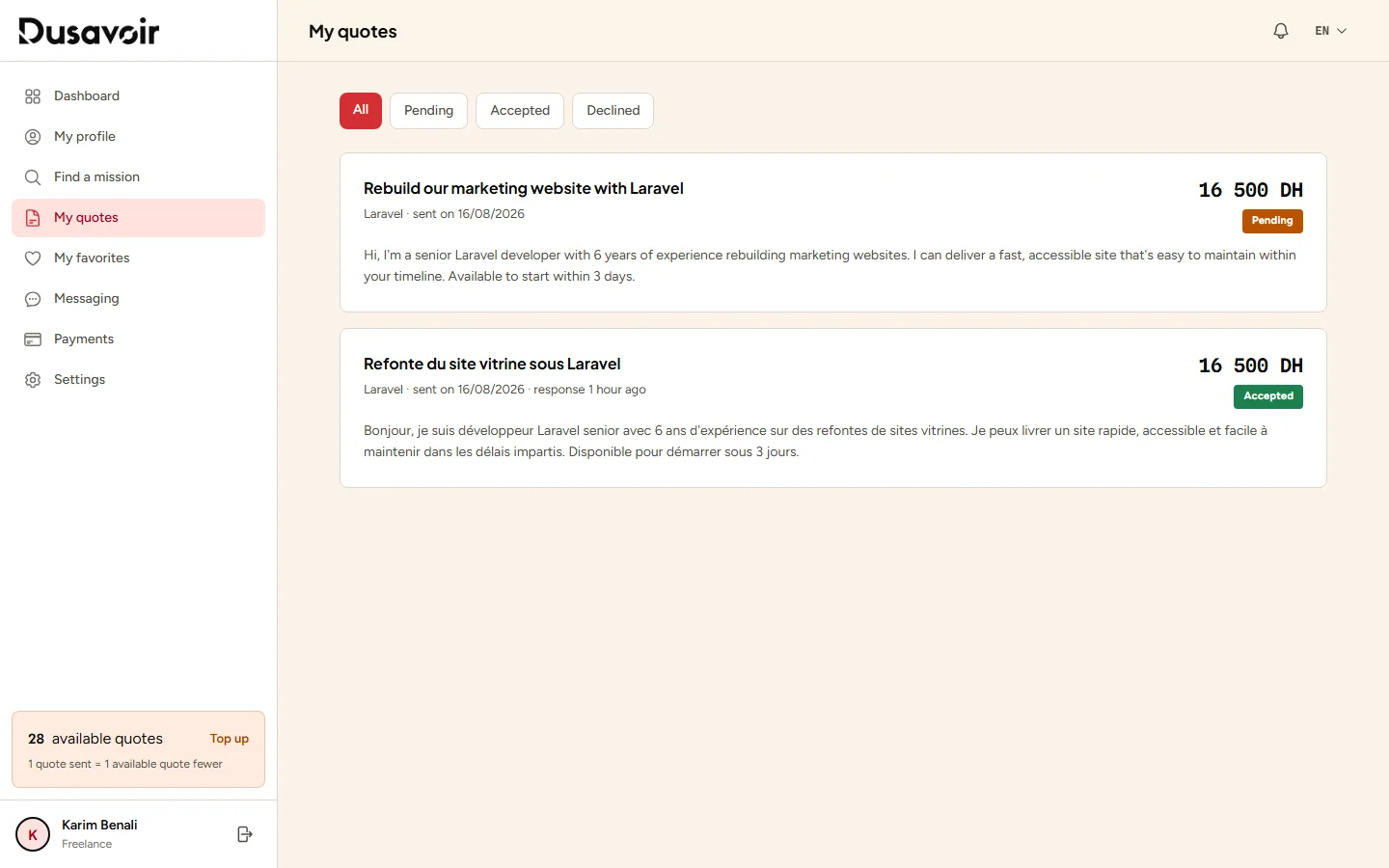
The "My quotes" page, accessible from your freelancer dashboard, lists all the quotes you have sent along with their status: Pending, Accepted or Declined. Tabs let you filter directly by status.
Open "My quotes"
From your freelancer space menu, click My quotes. Each quote shows the mission concerned, the amount proposed, the sending date and its current status.
Filter by status
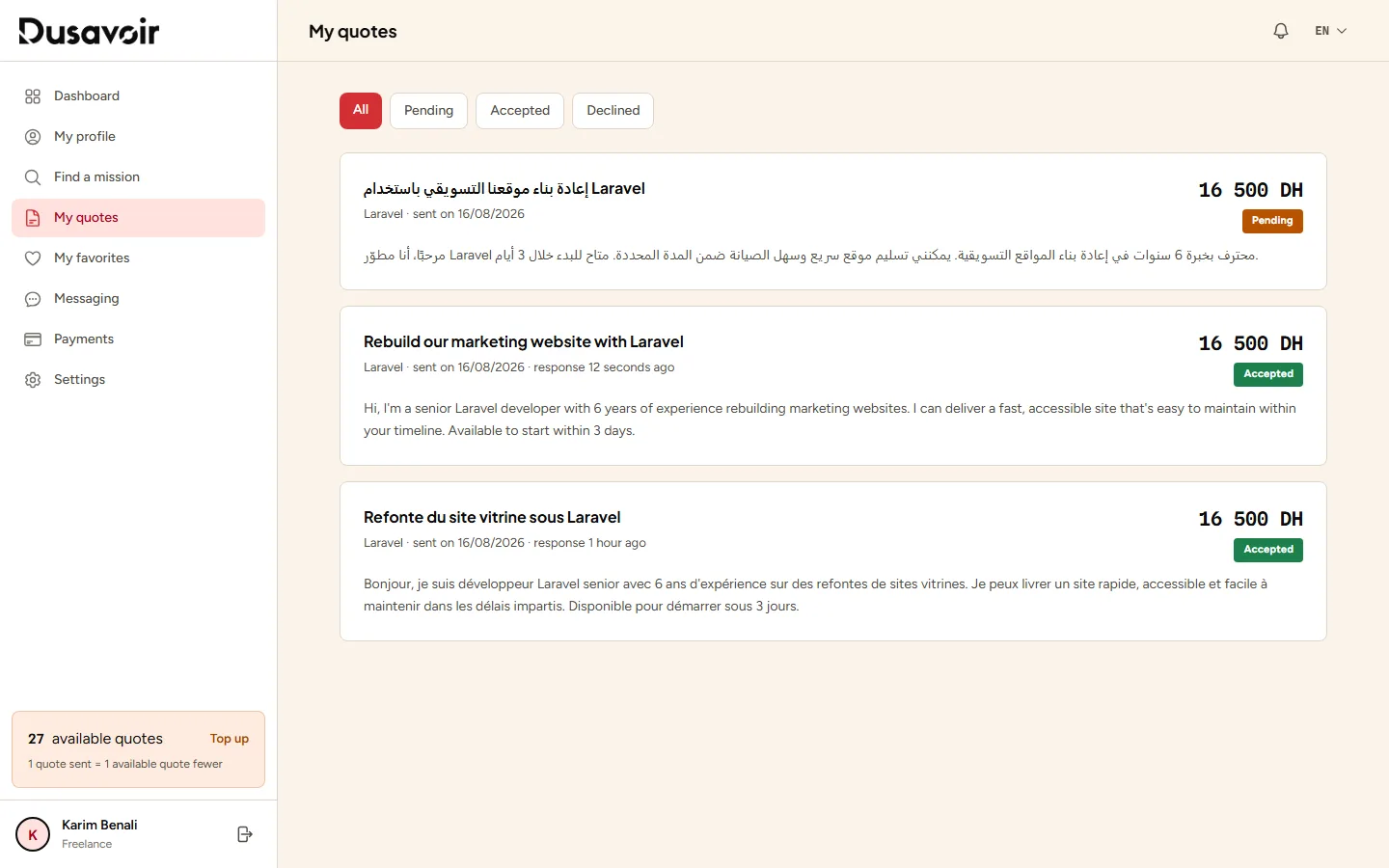
Use the All, Pending, Accepted and Declined tabs to quickly find a specific quote. A quote automatically moves to Accepted status as soon as the recruiter validates your application.
Frequently asked questions
What happens when a quote is accepted?
The mission is awarded to you, a conversation automatically opens with the recruiter in your messaging, and the quote status becomes "Accepted".
Am I notified when a recruiter responds to my quote?
Yes, you receive a notification that your quote has been accepted or, if another freelancer was chosen, that the mission was awarded to someone else.
Another question?
Our team replies Monday through Friday.