How to send a quote on a mission?
Updated on 16 August 2026
On the page of a mission that interests you, click **Send a quote**, enter the amount proposed, the estimated duration in days and a message presenting your approach (minimum 20 characters), then submit. Sending automatically consumes 1 token from your pack.
Open the quote form
From a mission's detail page, click Send a quote. The form opens in a side panel, with a reminder of the mission's indicative budget.
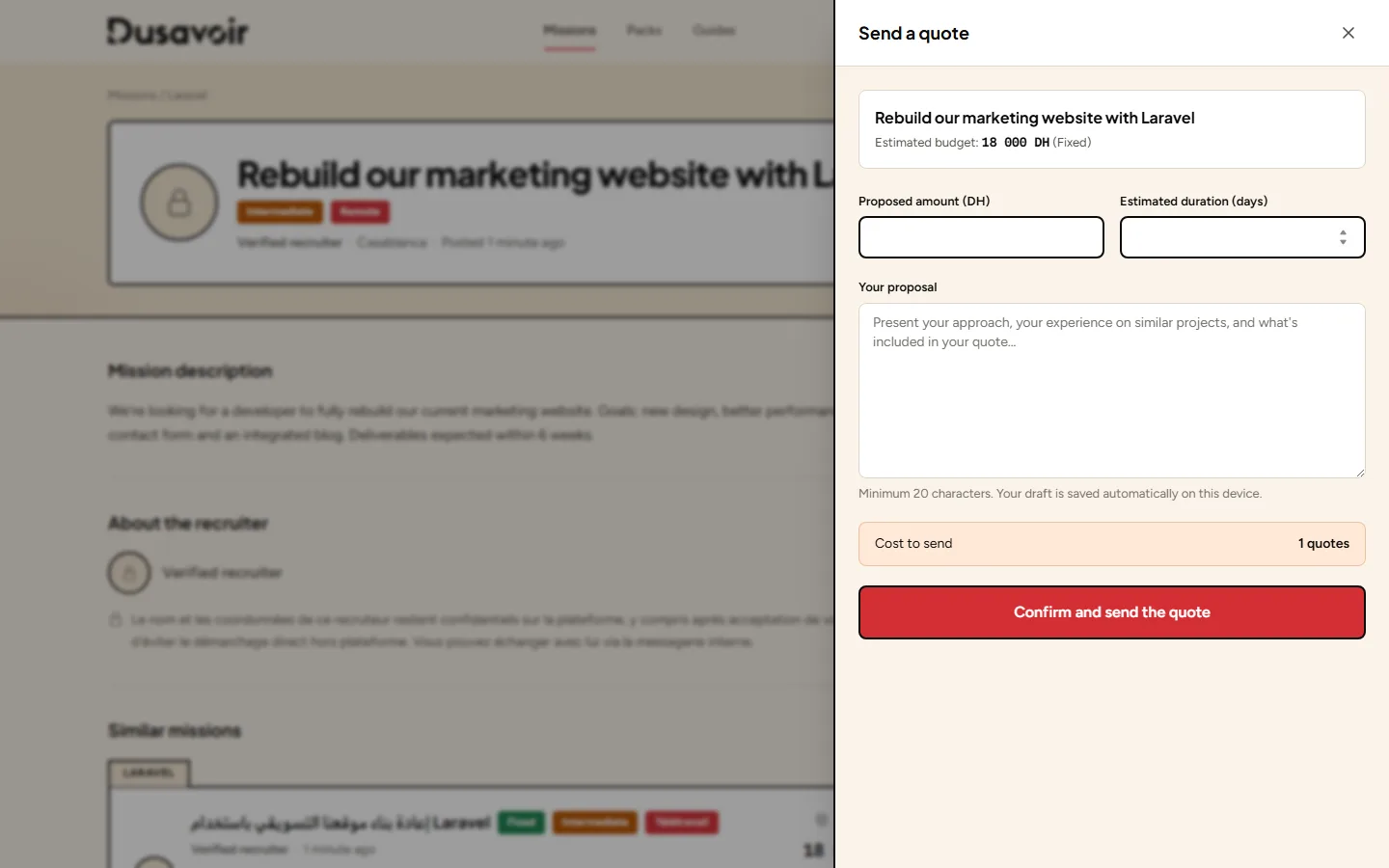
Fill in your proposal
Provide the amount proposed in dirhams, the estimated duration in days, and write your message (at least 20 characters): present your approach, your experience on similar projects and what's included in your quote. A draft is automatically saved on your device if you're interrupted.
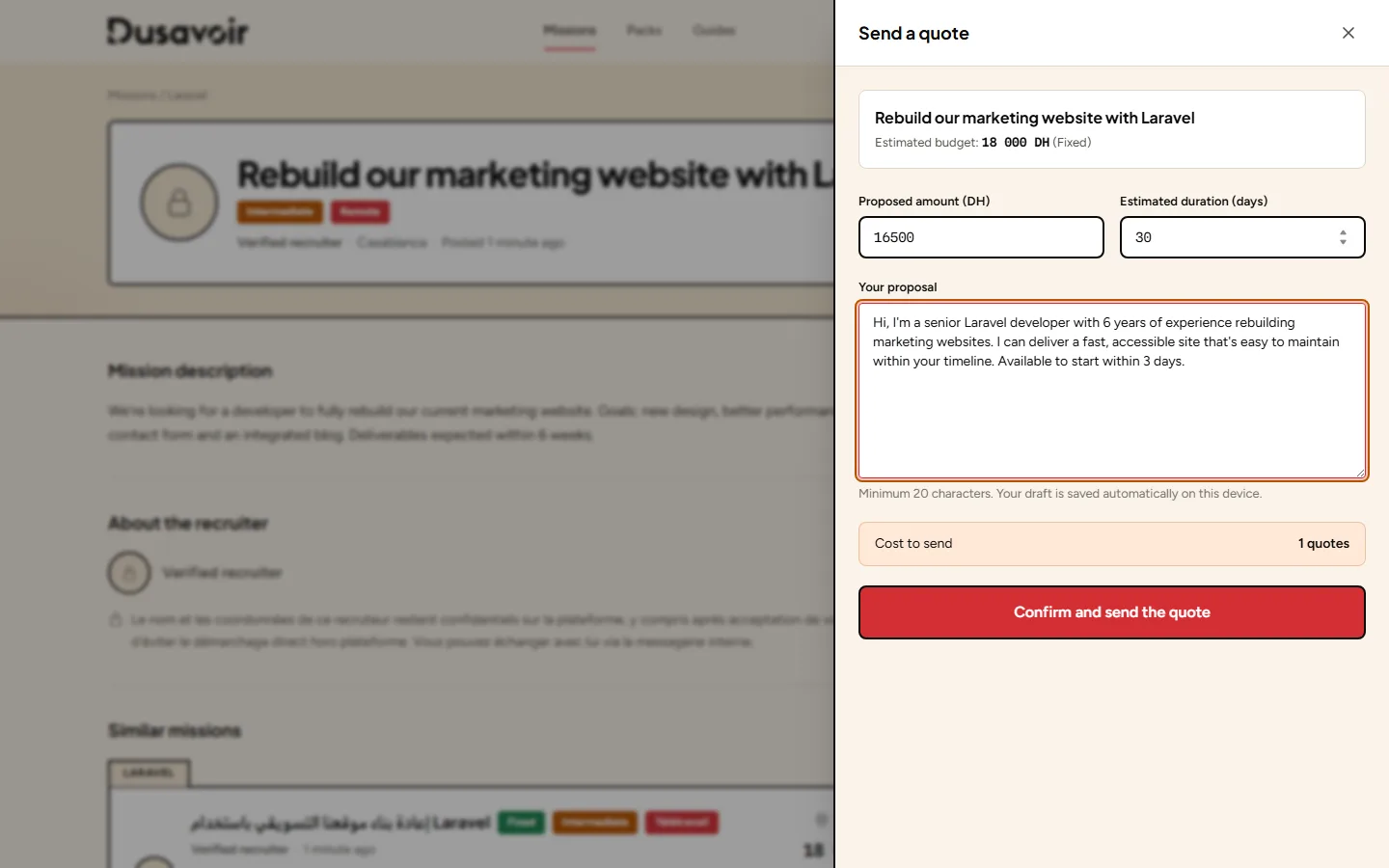
Send: 1 token is consumed
Before submitting, the form reminds you of the cost of sending: 1 quote from your balance. Once sent, your quote appears with "Pending" status on the mission, and your token balance decreases by one.
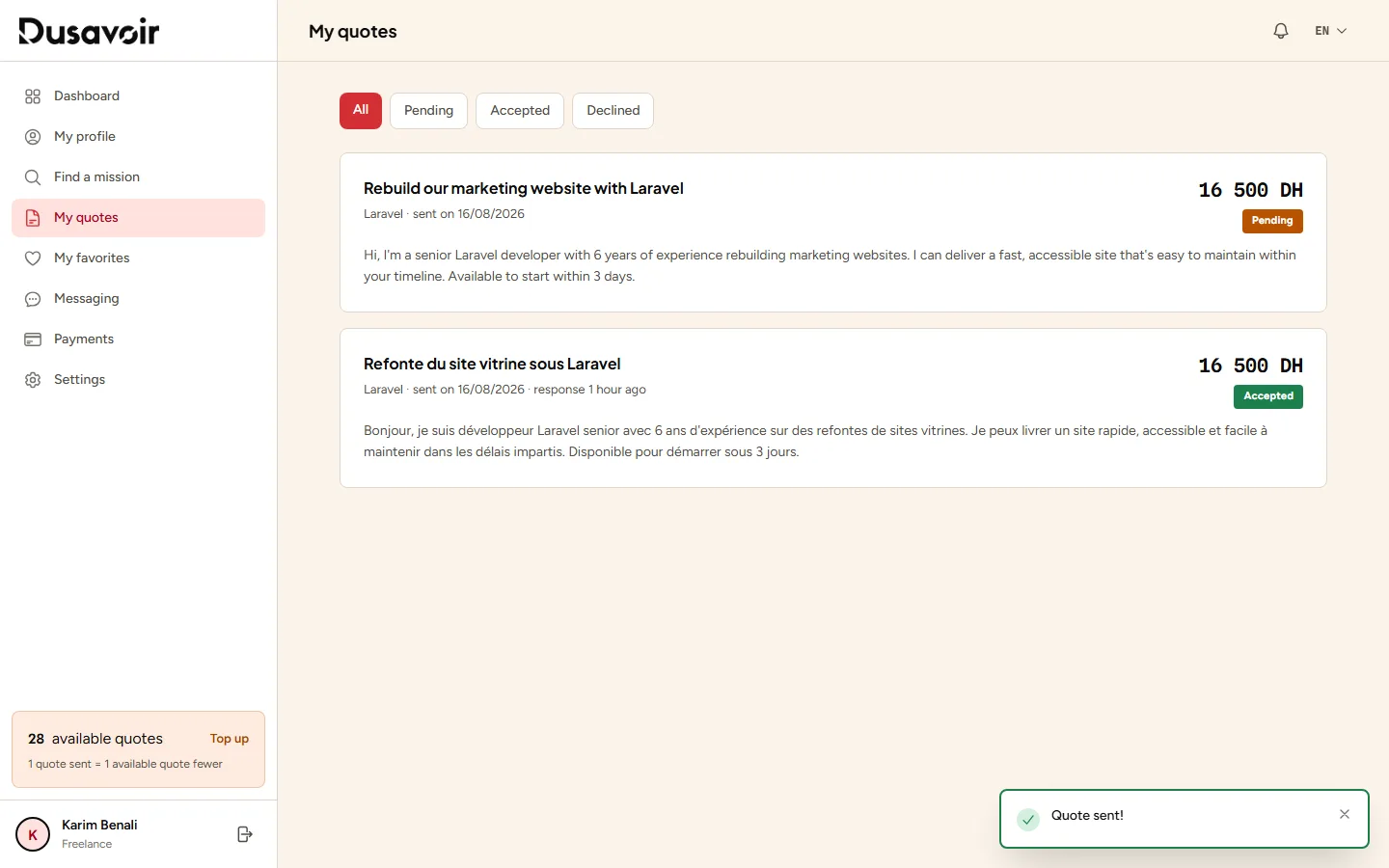
Frequently asked questions
How much does sending a quote cost?
Every quote sent consumes 1 token from your balance, regardless of the amount or the mission. The balance is replenished by buying a token pack.
I have no tokens left, what should I do?
Sending quotes is blocked as long as your balance is at zero. Buy a new pack from the Packs page to keep applying — see I can't send a quote.
Can I edit a quote after sending it?
No, a quote once sent can no longer be edited. You can however track its status (pending, accepted, declined) from "My quotes".
Another question?
Our team replies Monday through Friday.