Account & security
How to manage your account settings?
Updated on 16 August 2026
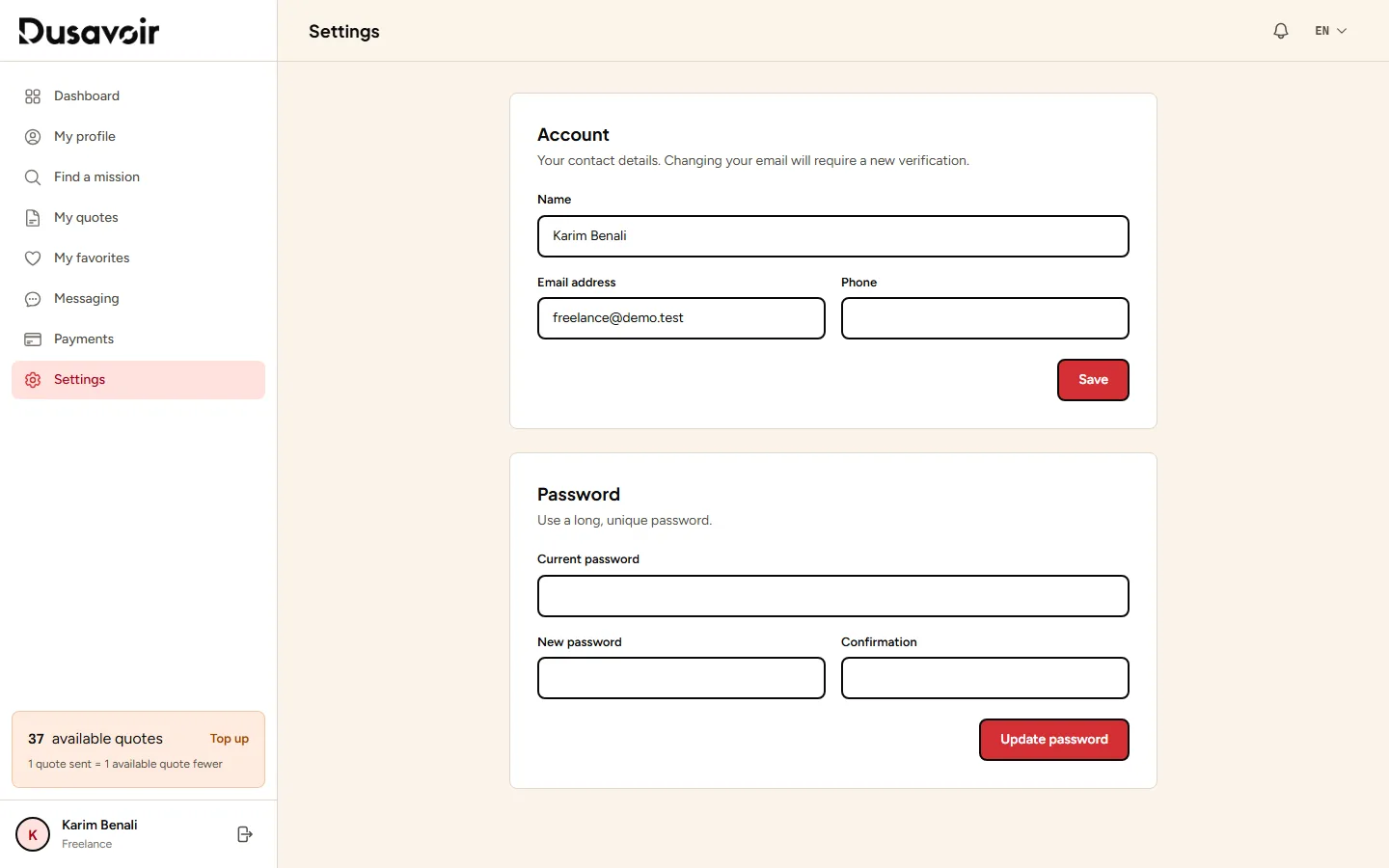
The "Settings" page, accessible from your space menu (recruiter or freelancer), brings together your account information, password change and notification preferences.
1
Open "Settings"
From your logged-in space, click Settings in the side menu. This page is common to both recruiter and freelancer accounts.
2
Change your account or password
There you can update your account information, change your password, and adjust your notification preferences to your needs.
Frequently asked questions
Can I change my email address?
The editable information is grouped in the "Account" section of the settings.
How do I turn off certain notifications?
The "Notifications" section of the settings lets you adjust the alerts you receive.
Another question?
Our team replies Monday through Friday.