Account & security
Forgot your password: how to reset it?
Updated on 16 August 2026
On the login page, click "Forgot password", enter your email address and submit: a reset link is sent to you by email, valid for creating a new password.
1
Access the reset form
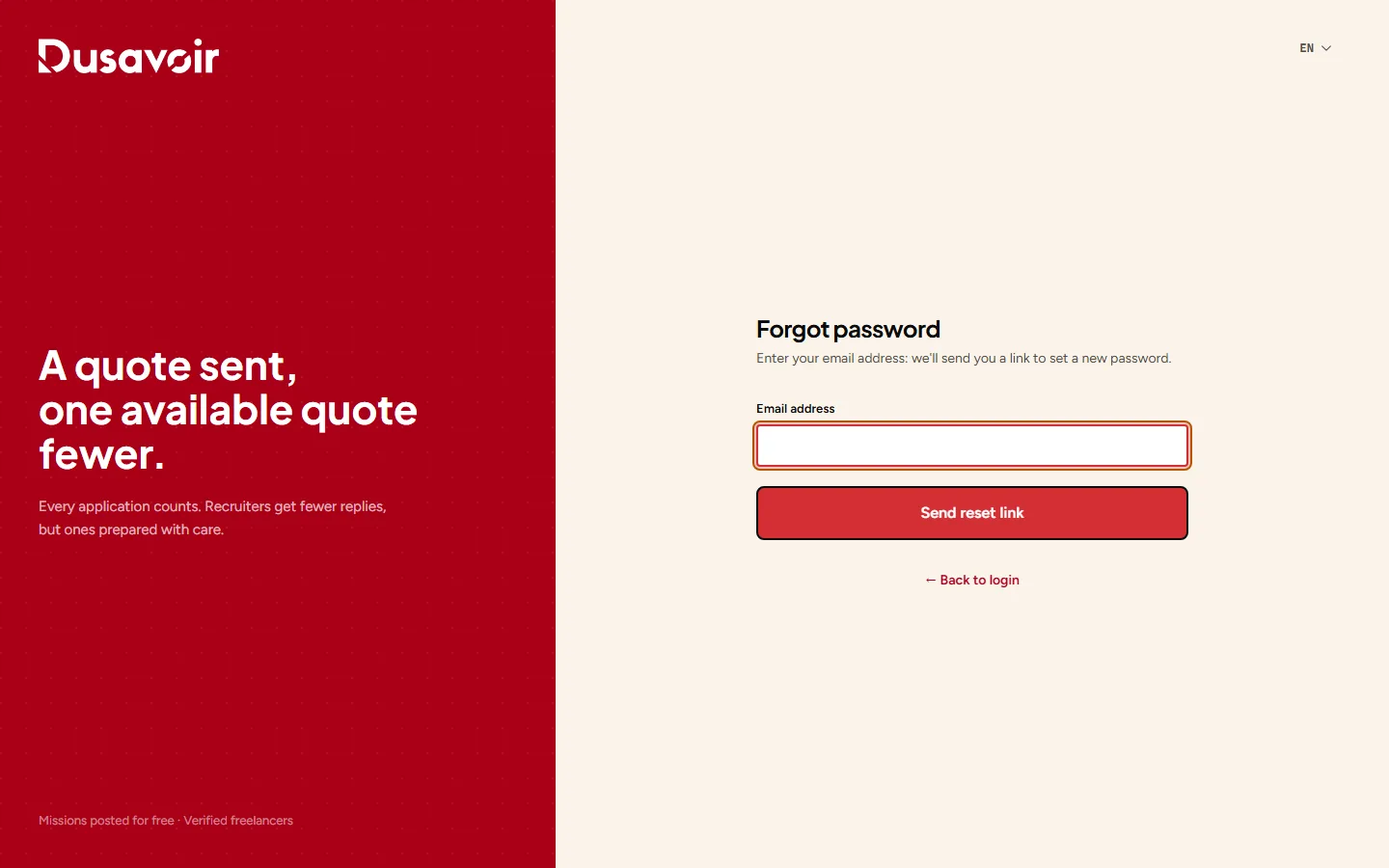
From the login page, click the Forgot password link, then enter the email address associated with your account.
2
Follow the link received by email
An email containing a reset link is sent to you. Click it, choose a new password and confirm it to regain access to your account.
Frequently asked questions
I'm not receiving the reset email, what should I do?
Check your spam folder. If nothing arrives after a few minutes, make sure you're using the exact email address of your account, or contact support.
Does the reset link have a validity period?
Yes, like any security link sent by email, it expires after a certain time. If it no longer works, simply start a new request.
Another question?
Our team replies Monday through Friday.