How to accept a quote you received?
Updated on 16 August 2026
To accept a quote, open your mission detail, find the desired application in "Quotes received" and click **Accept**. Your mission moves to "Awarded" status, the other freelancers who applied are notified, and a conversation opens automatically with the selected freelancer.
Choose the quote to accept
After comparing the applications, open the one you want to select and click Accept.
Your mission moves to "Awarded" status
The accepted quote now shows the Accepted status, and your mission moves from "Published" to "Awarded". Freelancers whose quote was not selected are automatically notified that the mission has been awarded to another candidate.
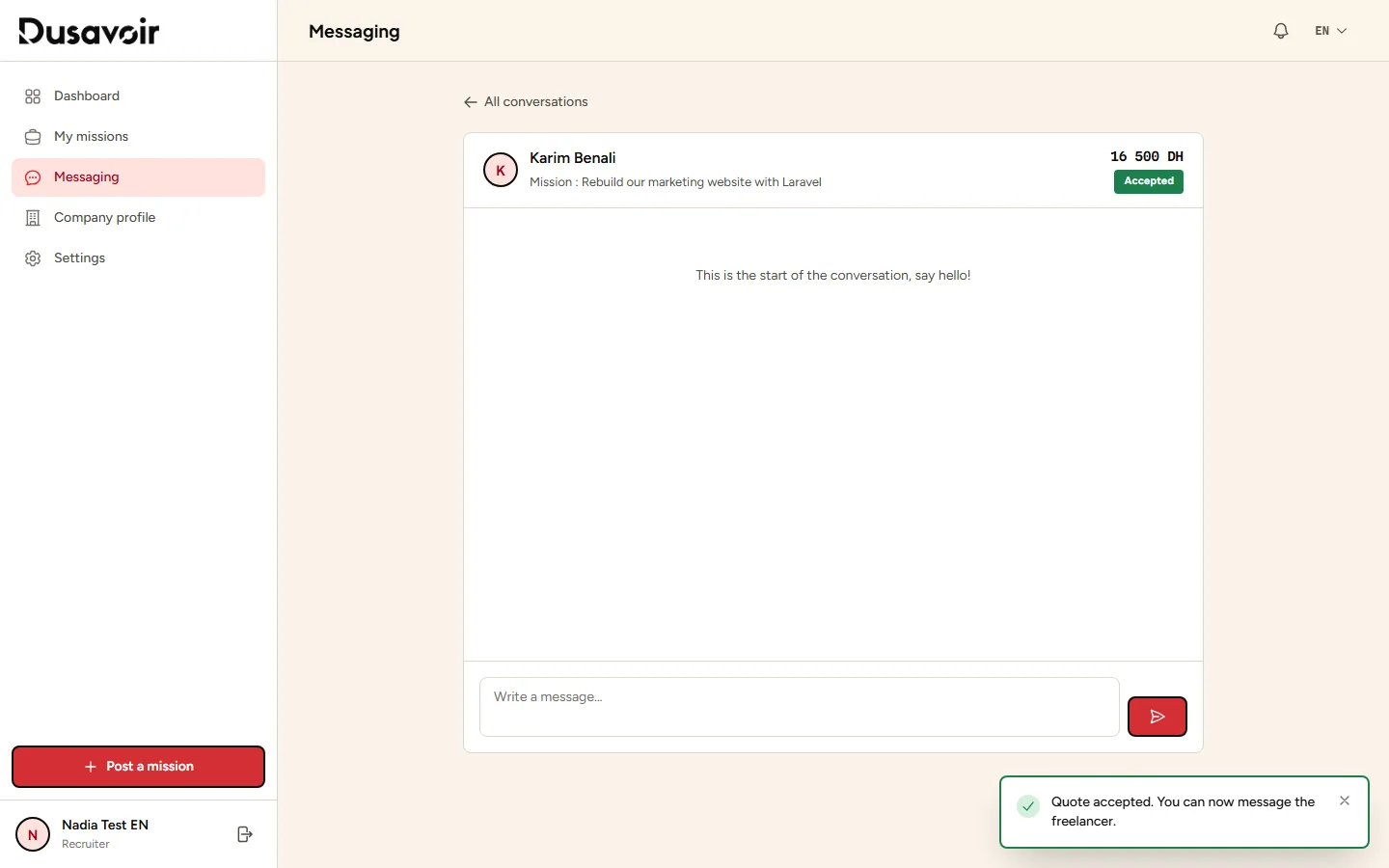
A conversation starts automatically
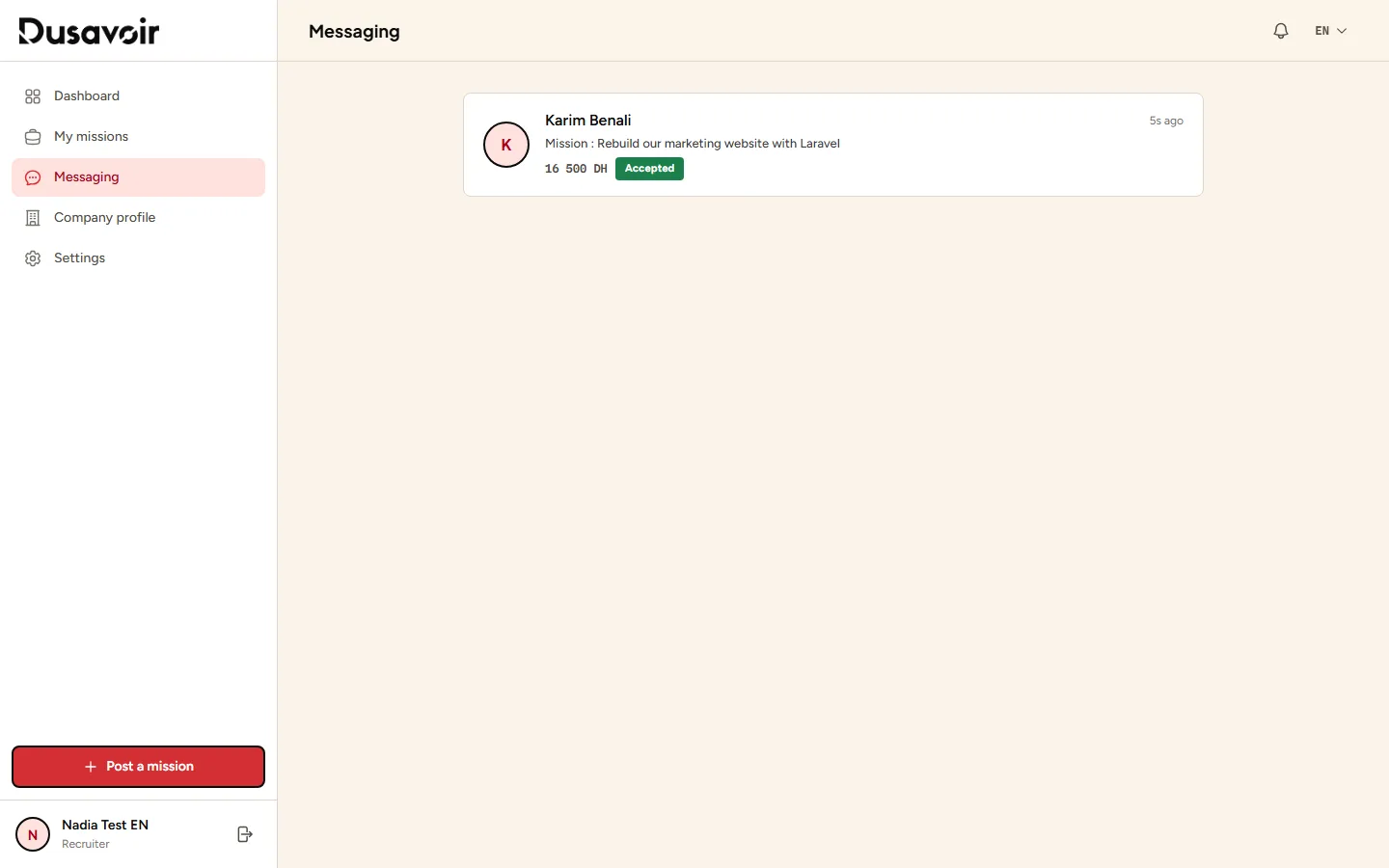
Accepting a quote immediately creates a conversation between you and the freelancer in Messaging, to organize next steps: practical details, necessary access, first file exchanges.
Frequently asked questions
Can I change my mind after accepting a quote?
Accepting awards the mission to the chosen freelancer and opens messaging: discuss it directly with them if a problem arises. There is no button to cancel an acceptance.
Does the freelancer see my company name before being accepted?
No: your company's real identity is never publicly revealed in applications. Exchanges happen via the platform's messaging.
What happens to the other quotes received on the same mission?
They remain visible on the mission but the freelancers concerned receive a notification informing them the mission was awarded to another candidate. You can explicitly decline them if you wish.
Another question?
Our team replies Monday through Friday.