How to find a mission on Dusavoir?
Updated on 16 August 2026
Go to the mission catalog, accessible from the "Missions" menu: you can filter by category, budget, type (fixed or hourly), location and experience level, or search by keyword. Viewing the full detail of a mission requires being logged in.
Open the mission catalog
The catalog is publicly accessible from the Missions menu, even without being logged in. Each card shows the title, the budget, the category, the number of quotes already received and the publication date.
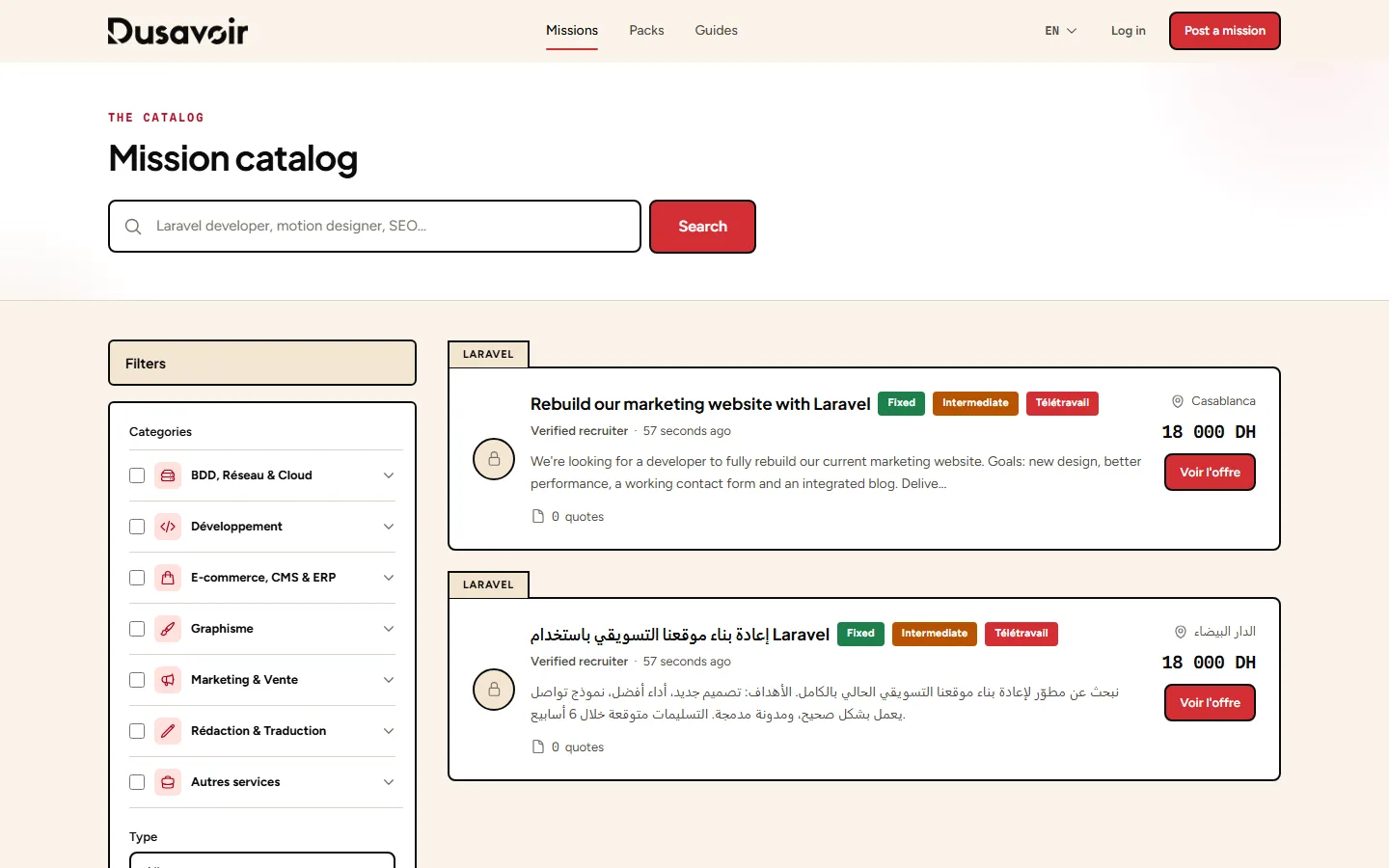
Filter by your criteria
Search by keyword ("Laravel developer", "motion designer"…) and refine with the available filters: category, budget, budget type, location, experience level, publication date. Active filters are shown as tags you can remove individually.
View a mission's detail
Clicking on a mission gives you access to its full description, budget, timeline and the company that posted it. Viewing the detail requires being logged in with a freelancer account.
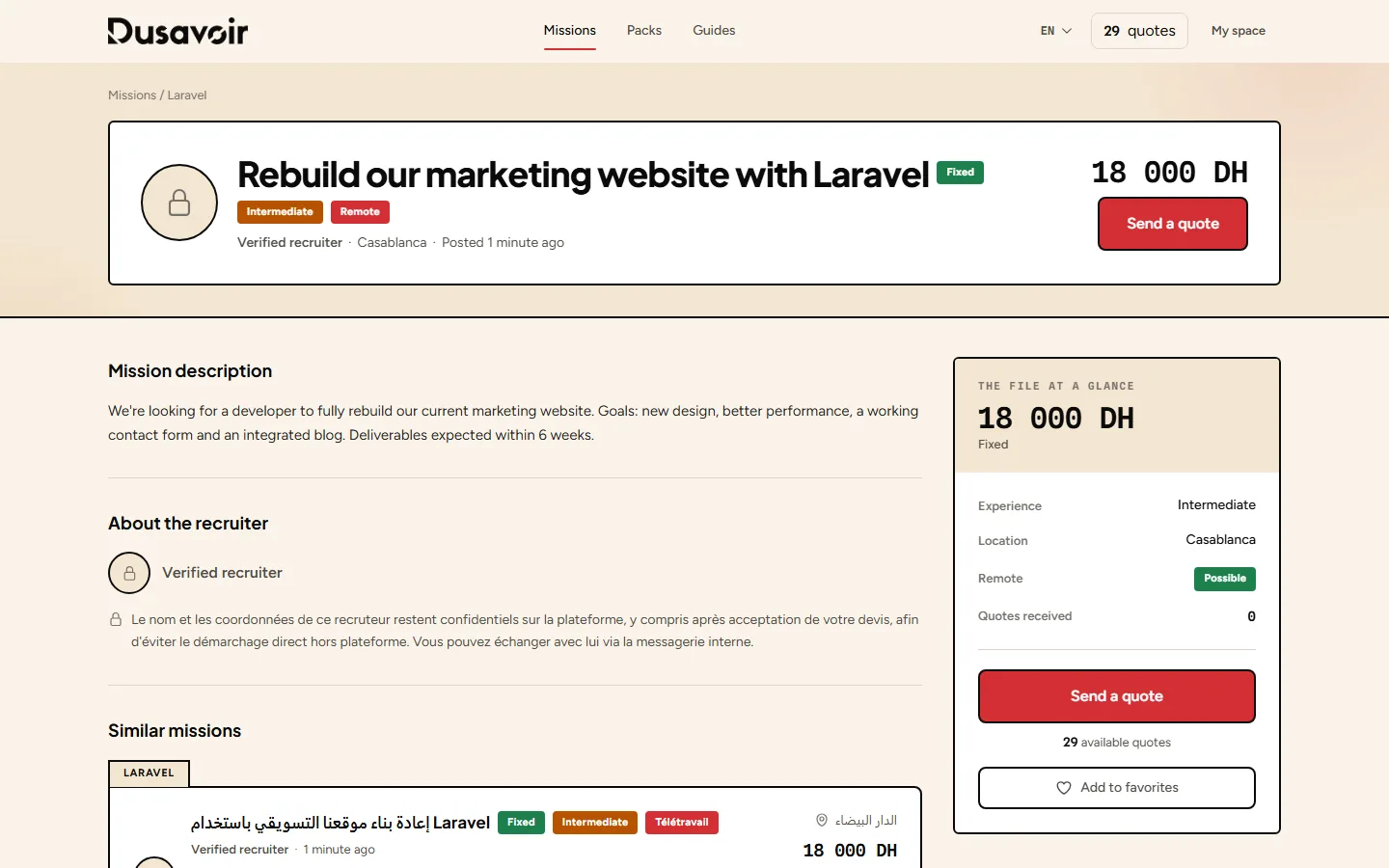
Add a mission to your favorites to easily find it again later, without having to search again.
Frequently asked questions
Can I see a mission's detail without being logged in?
The catalog and the essential information (title, budget, category) are publicly visible, but the full description requires being logged in with a freelancer account.
Are all the missions shown still available?
The public catalog only shows missions with "Published" status. A mission already awarded to a freelancer no longer appears in the results.
Another question?
Our team replies Monday through Friday.