Create an account on Dusavoir
Updated on 16 August 2026
To create an account on Dusavoir, go to the sign-up page, choose whether you are a "Freelancer" or a "Recruiter", fill in your name, email and a password, then submit. A verification email is sent to you: you must click the link it contains before you can access your dashboard.
Choose your profile
On the sign-up page, select Freelancer ("I'm looking for missions and sending quotes") or Recruiter ("I post missions for free"). This choice determines which space you will have access to afterwards; it cannot be changed later.
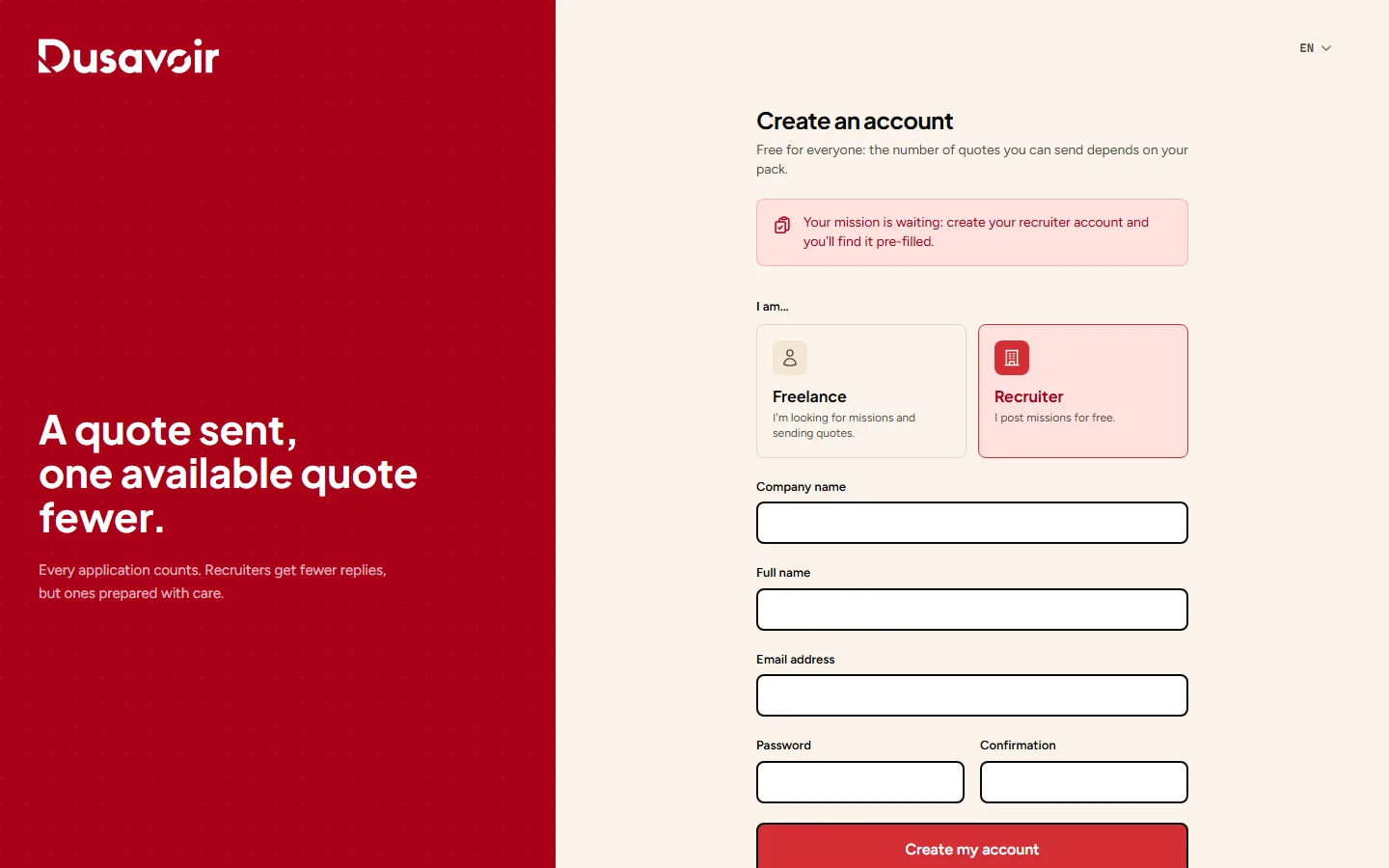
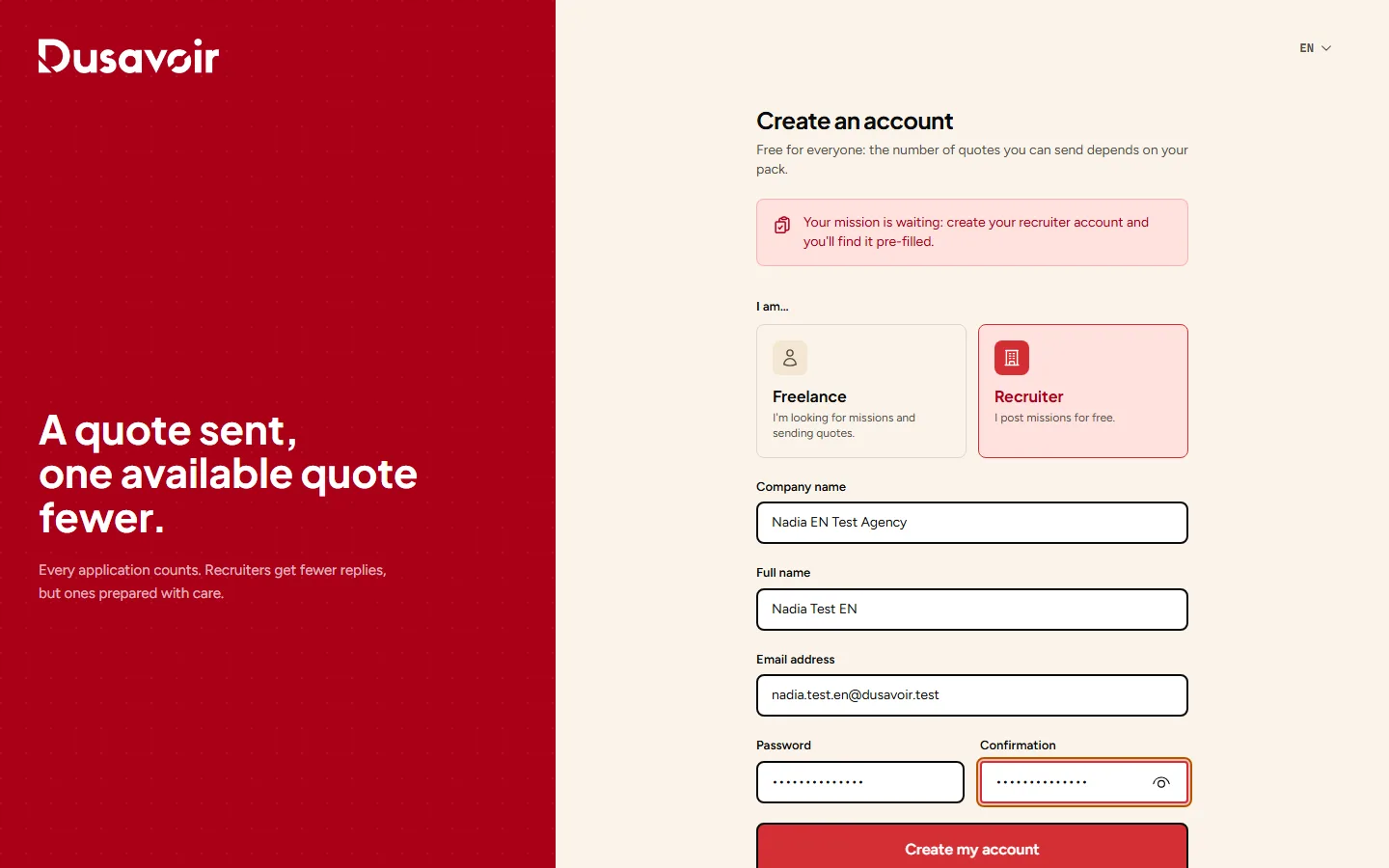
Fill in the form
If you are signing up as a recruiter, also provide your company name. Fill in your full name, your email address and a password (with confirmation), then submit.
Verify your email address
A confirmation email is sent to the address you provided. Until you click the link it contains, access to your recruiter or freelancer dashboard remains blocked: this step is what protects the platform from fake accounts.
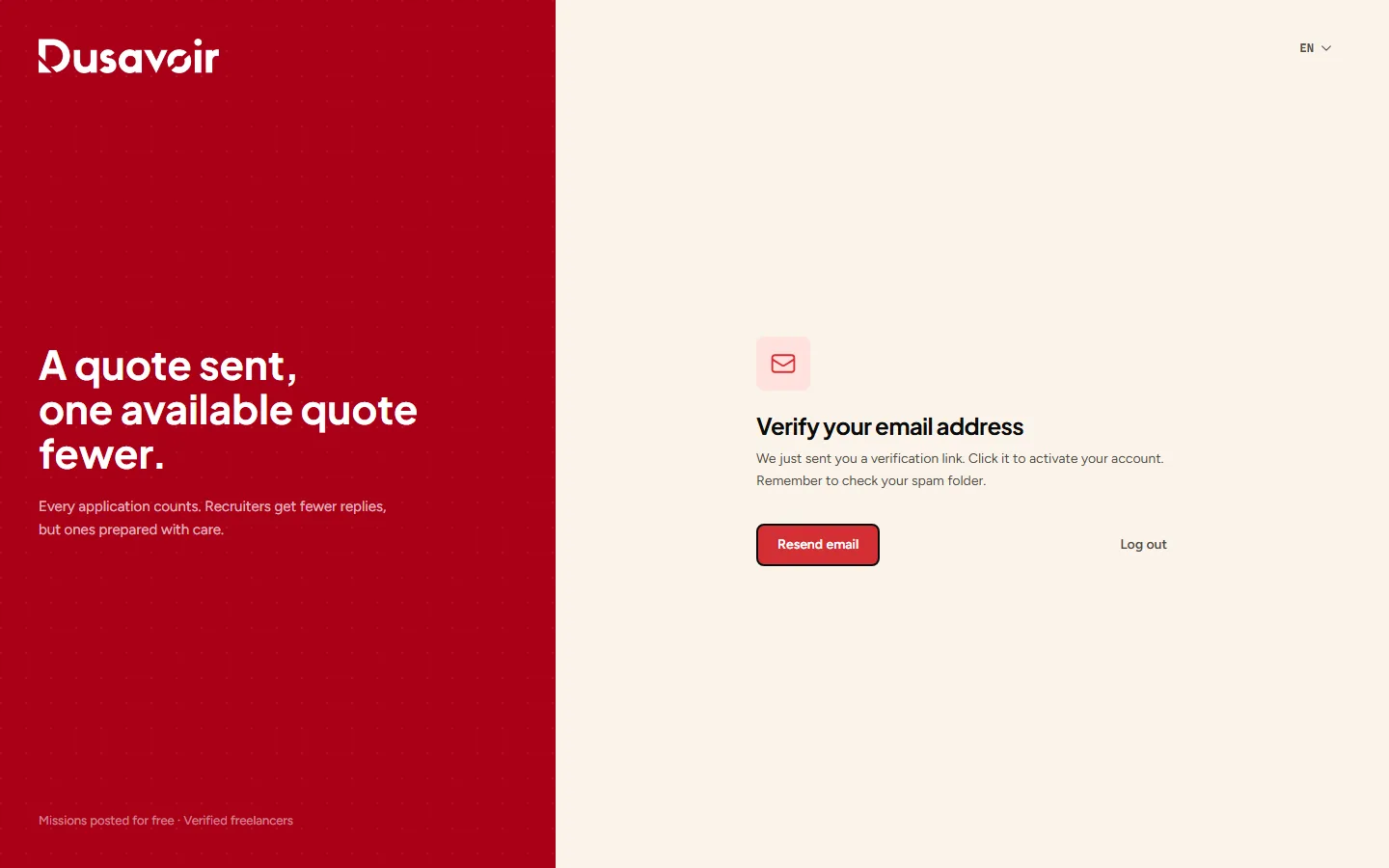
Didn't receive the verification email? See I didn't receive the verification email.
Frequently asked questions
Is signing up paid?
No, creating an account is free, whether as a recruiter or a freelancer. Posting a mission is also free during the launch period. For a freelancer, only sending quotes requires tokens, obtained by buying a pack.
Can I have both a recruiter account and a freelancer account?
Each account is tied to a single role (recruiter or freelancer), chosen at sign-up. To use both, you need two separate accounts with two different email addresses.
Another question?
Our team replies Monday through Friday.